 Support Center
Estimated Tax Payment For the Next Year
📚 What This Guide Covers
This guide explains how to use the 1040ES Form to enter Estimated Tax Payments for the next tax season.
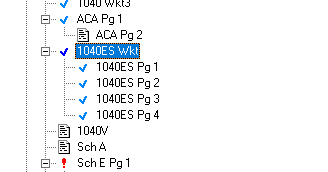
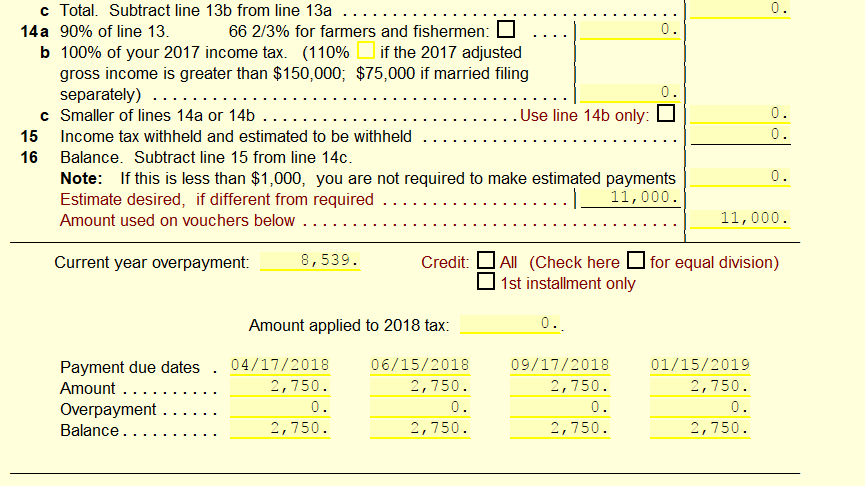
The SureFire program includes the 1040ES Form that allows you to fill out Estimated Payments for the next tax season, be they required for previous tax years, or not. If not automatically added to your return, you can navigate to Form>Add Form/Display Form List and search "1040ES" to add it, you will also notice that the viewable form has a payment breakdown at the bottom of the page. These payments that are displayed will also be shown on the four payment vouchers that are added to the return when the 1040ES form is added.
📞 Still Need Help?
If you are having trouble, contact our support team:
Phone: 1-800-516-9442
Tags: install,federal,form