 Support Center
<- Back to Main Page
Tags: install,state,form
State Refund Not Showing on F7 Query Screen
📚 What This Guide Covers
This guide explains how to fix when your state refund does not show on the F7 query screen.
⚠️ Before You Begin
You should be working inside your SureFire return.
📊 Step-by-Step Guide
Step 1: Remove the state
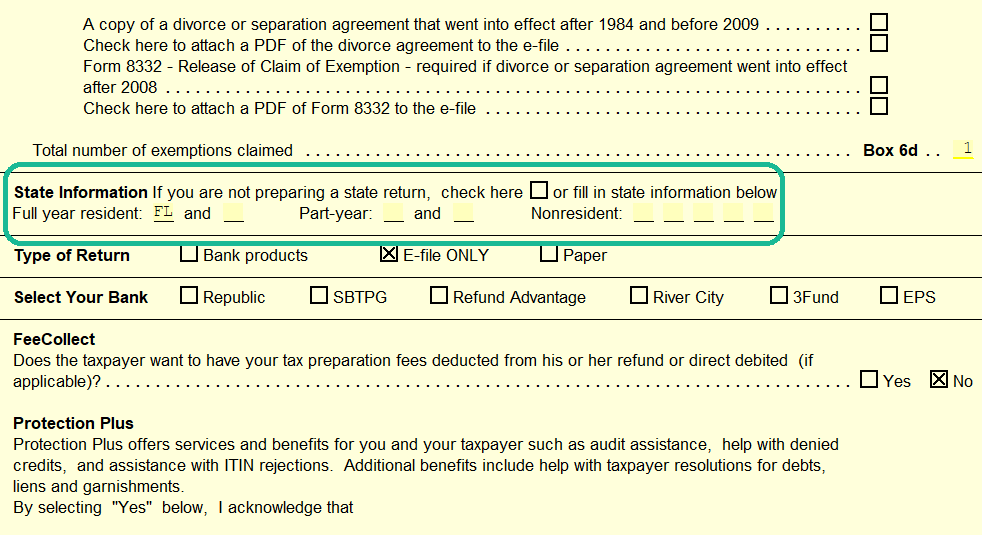
Remove the state from the Main Information sheet in the return, then close the form.
Step 2: Re-add the state
Go back and re-add the state.
📞 Still Need Help?
If you are having trouble, contact our support team:
Phone: 1-800-516-9442
Tags: install,state,form