 Support Center
Help Guide
📚 What This Guide Covers
This article explains how to use the built-in help features within SureFire, including context-sensitive help and the in-depth Help Guide.
📊 Using Built-in Help
Context-Sensitive Help
Get instant information about the specific field you are working on.
While you are working within a return, SureFire displays context-sensitive help at the very bottom of the screen. This provide brief, relevant information about the currently selected field.
The F1 Help Guide
Access detailed instructions and searchable help topics.
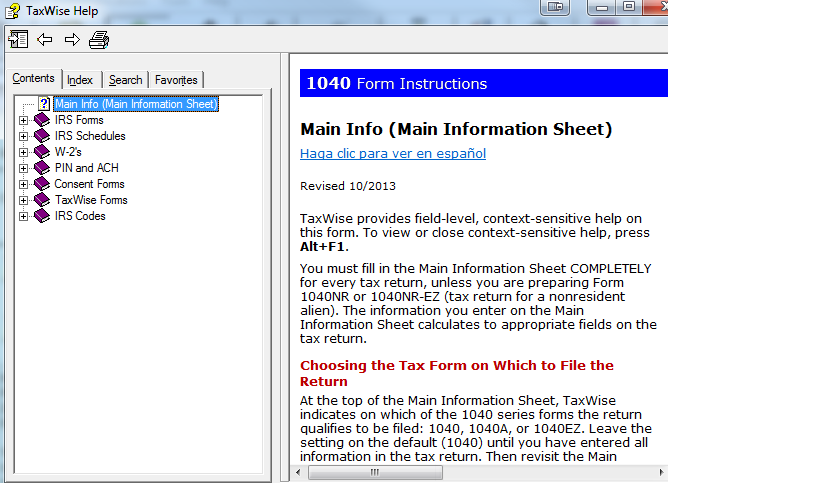
For more in-depth information, helpful hints, or form instructions, simply press the F1 key on your keyboard while your cursor is on the field in question. The Help Guide allows you to:
- Read detailed explanations for specific form fields.
- Search for specific forms and their official instructions.
- Get tips on how to handle complex tax scenarios.
📞 Still Need Help?
If you can't find the answer in the built-in guide, contact our support team:
Phone: 1-800-516-9442
Tags: install